Mobile Tools for Transforming Selfies into Professional Images
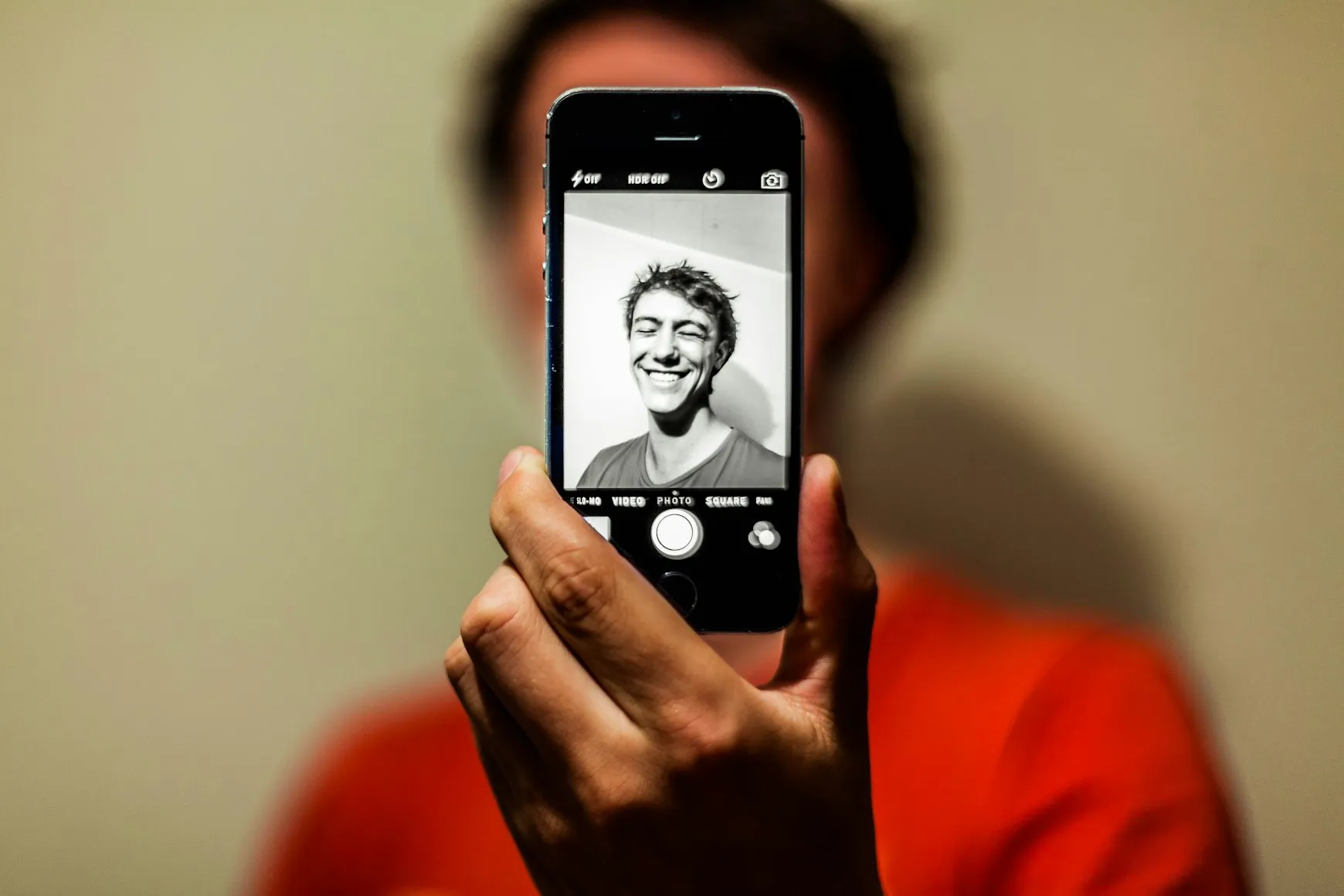
Transform Your Selfies with Cutting-Edge Mobile Apps
In the age of social media, where every moment is captured and shared instantly, transforming a simple selfie into a professional-looking image has become both an art and a science. With the power of mobile applications, enhancing your selfies has never been easier. This article explores five innovative apps that specialize in turning your portraits into stunning professional images. These tools offer features like skin smoothing, background blurring, and other sophisticated editing capabilities that were once reserved for professional photo editors.
The Power of Artificial Intelligence in Photography
Before we dive into the specific applications, it's important to understand how these tools have evolved thanks to artificial intelligence (AI). AI algorithms can now intelligently analyze images and apply enhancements that mimic the touch of a seasoned photographer. These improvements are subtle yet significant, ensuring that your selfies maintain a natural appearance while benefiting from high-quality enhancements.
Facetune2: Your Pocket Photo Editor
Facetune2 is one of the most popular apps in this space. Known for its user-friendly interface and powerful editing capabilities, it offers a suite of tools that can transform any selfie.
- Skin Smoothing: The app uses advanced techniques to reduce blemishes and smooth out skin tones without creating an unnatural look.
- Relight Feature: Adjusts lighting in your selfies as if you had control over studio lights.
- Background Editor: Allows users to blur or replace backgrounds, making it easy to focus on the subject.
To get started with Facetune2, simply upload your selfie, use the intuitive slider controls to adjust each feature, and watch as your photo transforms in real-time.
Adobe Lightroom Mobile: Professional Grade on the Go
For those who are more familiar with photo editing or wish to take a deeper dive into customization, Adobe Lightroom Mobile provides professional-grade tools on your phone.
- Advanced Presets: Apply a range of preset styles with a single tap or customize your own looks for consistency across photos.
- Selective Edits: Allows precision editing by targeting specific areas of your image, perfect for detailed portrait work.
- Healing Brush: Offers the ability to remove unwanted objects or blemishes seamlessly.
A practical workflow for Lightroom Mobile involves first selecting a suitable preset to establish a baseline look, followed by selective edits to enhance specific areas like eyes or teeth. Final touches can include using the healing brush for any minor imperfections.
Snapseed: All-in-One Editing Solution
Snapseed, developed by Google, is an all-in-one solution that combines simplicity with robust functionality.
- Portrait Mode: Automatically enhances facial features and includes skin softening options.
- Tune Image: Adjusts brightness, contrast, saturation, and more to create a balanced image.
- Brush Tool: Gives you control over exposure, temperature, and saturation adjustments within specific parts of the image.
A common Snapseed workflow would involve using the Portrait mode first to enhance facial details. Then, moving onto Tune Image for global adjustments, and finally using the Brush tool for any localized corrections or enhancements.
VSCO: Artistic Filters and Subtle Edits
If you prefer a more artistic approach to your selfies, VSCO offers a collection of filters inspired by classic film looks and modern aesthetics.
- Film-Inspired Presets: Choose from hundreds of presets that give your photos an artistic touch.
- Professional Edits: Fine-tune exposure, color balance, and other parameters with ease.
- VSCO Community: Engage with a community of creators for inspiration and tips.
A simple way to start with VSCO is by exploring different presets to see which enhances your image's mood effectively. After choosing a preset, delve into fine-tuning options to perfect your image further. Finally, share your creation within the app's community for feedback and exposure.
AIRBRUSH: Quick Fixes with a Natural Finish
The last app in our list is AIRBRUSH, which excels at providing quick fixes with a focus on maintaining natural beauty.
- Blemish Removal: Erase acne, scars, or other imperfections with just a tap.
- Sculpt Tool: Allows subtle reshaping of facial features without distortion.
- Instant Filter Application: Instantly apply filters that enhance the natural hues of your photo.
The beauty of AIRBRUSH lies in its speed and ease of use. Simply import your photo, choose from the various tools such as Blemish Removal or Sculpt Tool, and finalize with one of their instant filters to achieve a polished look in seconds.
A Quick Checklist for Perfecting Your Selfie Edits
- Choose an application that matches your level of expertise and style preference.
- Begin with basic enhancements like skin smoothing before moving onto more advanced edits.
- Pay attention to lighting – adjust it to highlight facial features effectively.
- Avoid over-editing to maintain natural realism; subtlety is key!
- Experiment with filters but ensure they complement rather than overshadow the image.
This guide demonstrates how these mobile tools can transform selfies into professional-grade images effortlessly. Whether you're an editing novice or a seasoned pro, these applications offer something for everyone. Embrace technology’s ability to enhance beauty naturally while keeping your unique style intact.